Text to video — Example 1
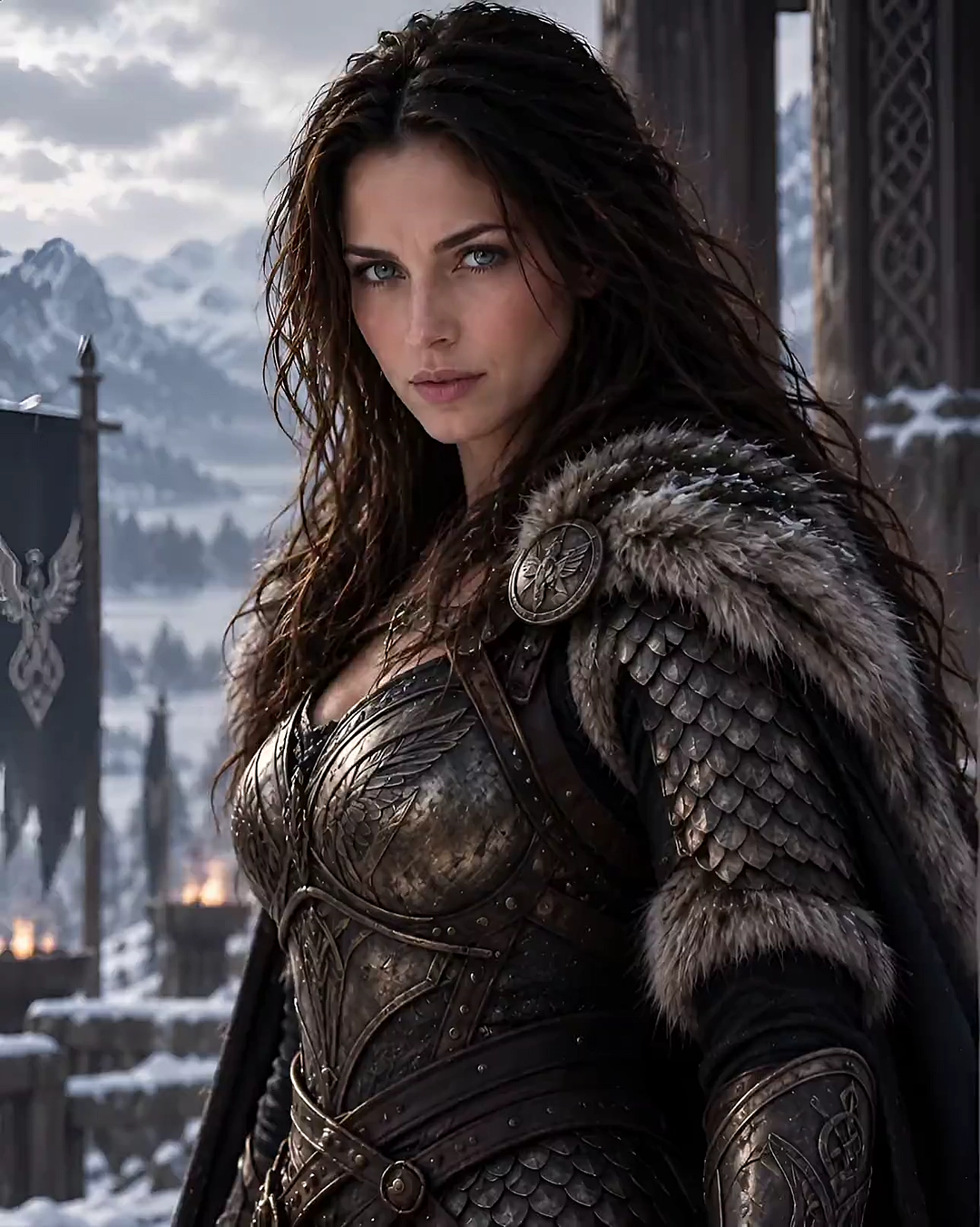
Generate cinematic clips from a structured text prompt.
Model: Kandinsky 5.0
Browse text to video and image to video examples from Kandinsky 5.0 Video Pro. These clips show visual fidelity, motion stability, and semantic control from prompts and reference stills.
Generate cinematic clips from a structured text prompt.
Model: Kandinsky 5.0
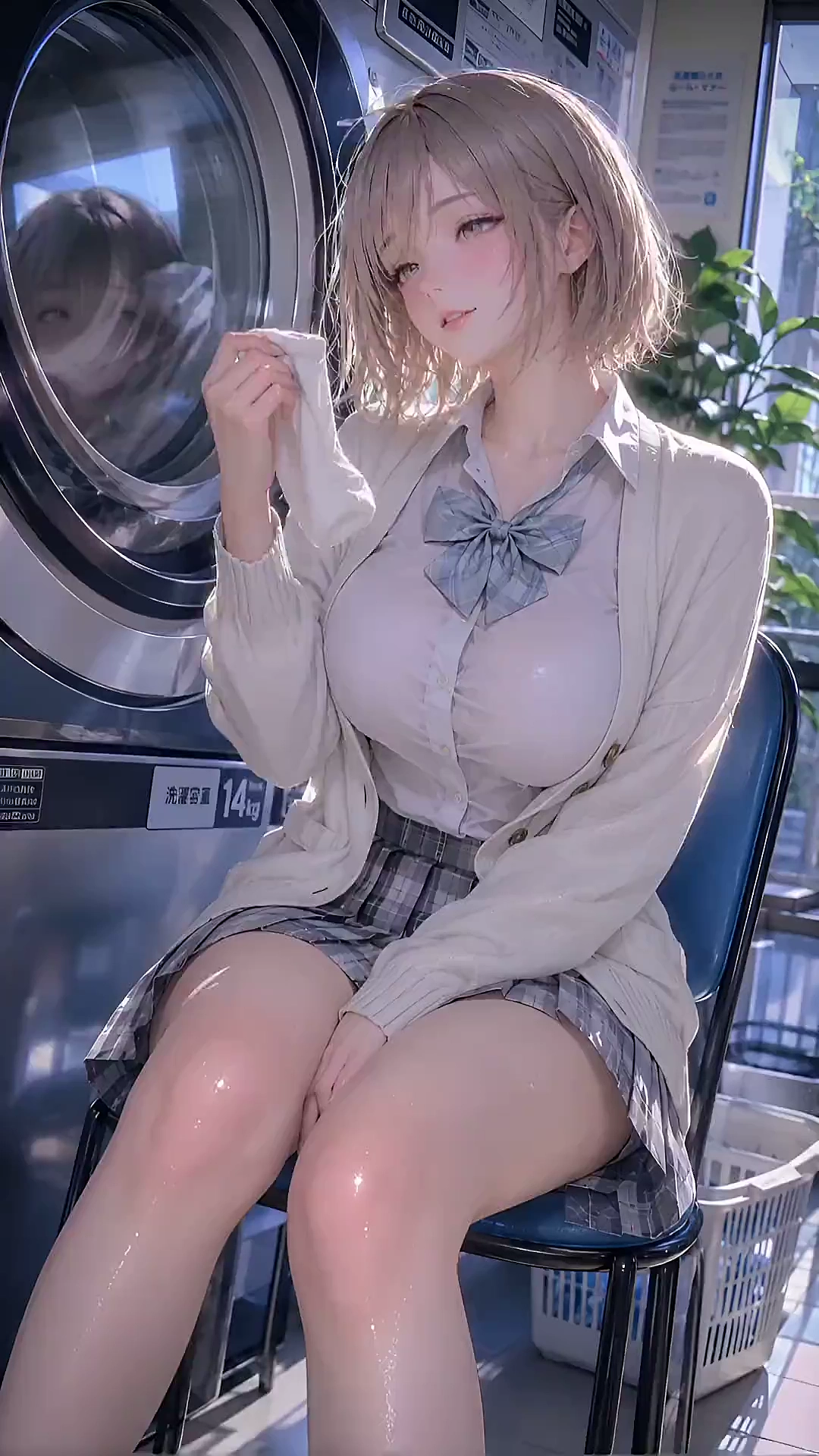
Generate cinematic clips from a structured text prompt.
Model: Kandinsky 5.0
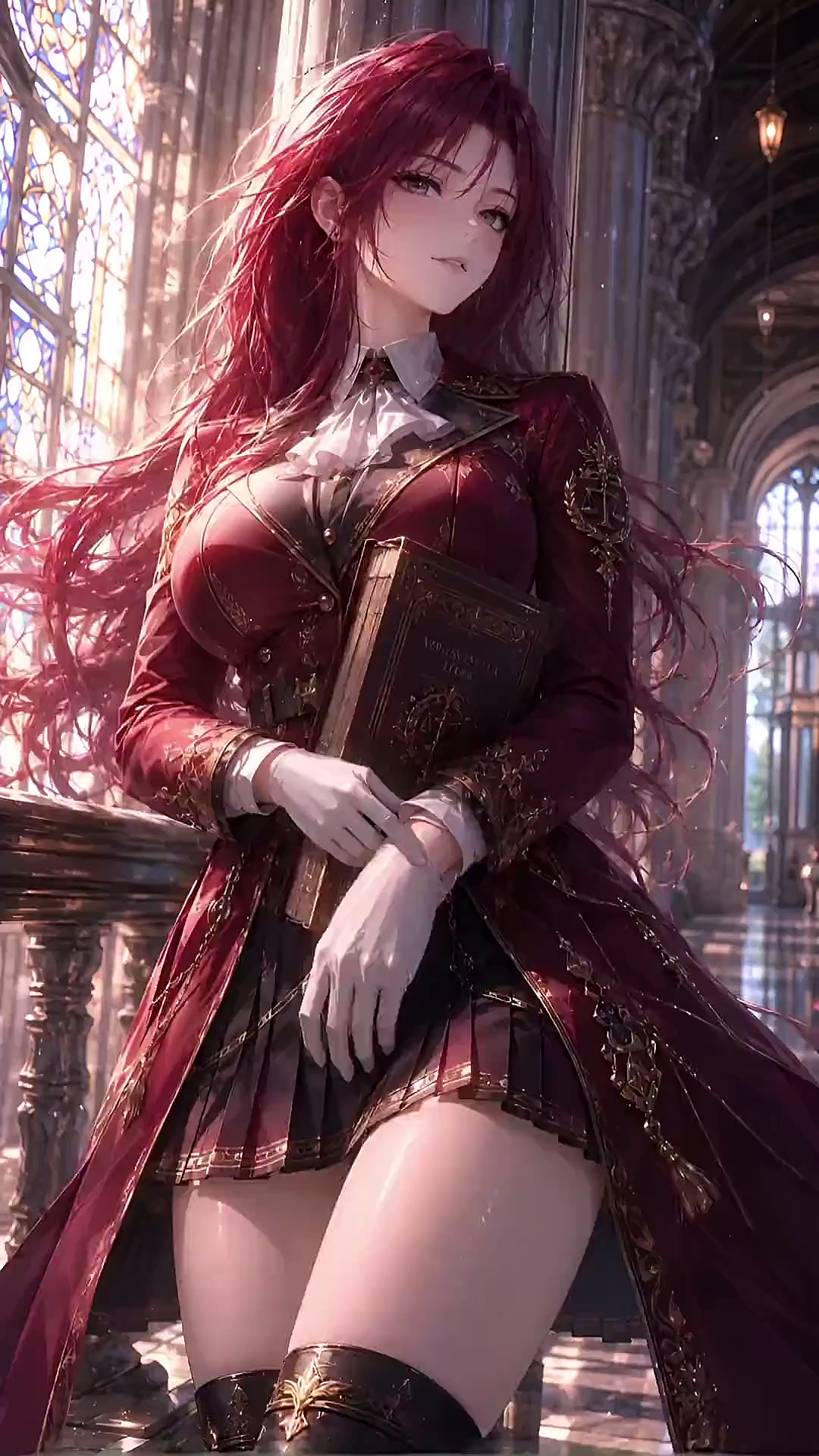
Add motion to a still while keeping composition aligned.
Model: Kandinsky 5.0
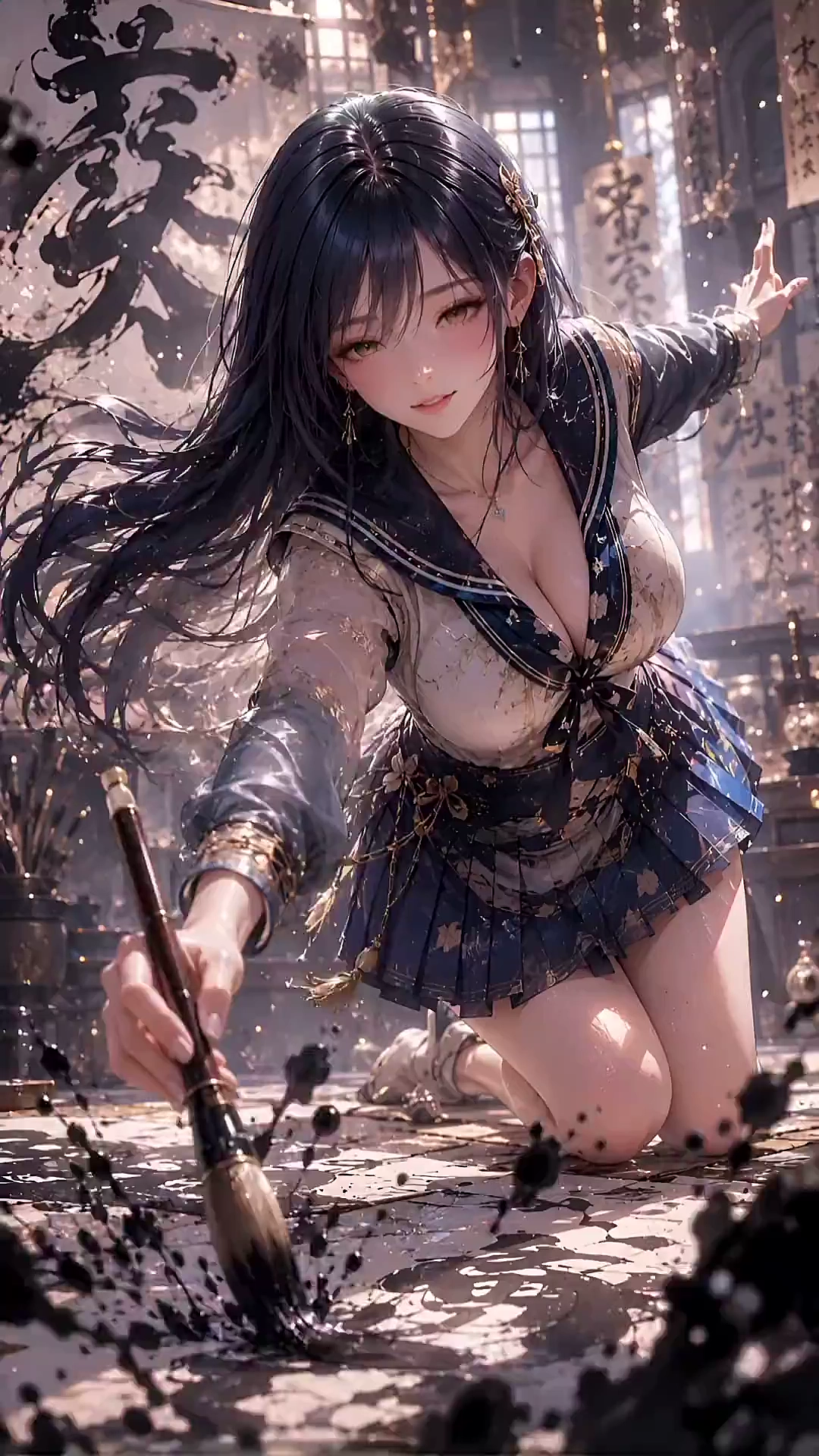
Add motion to a still while keeping composition aligned.
Model: Kandinsky 5.0
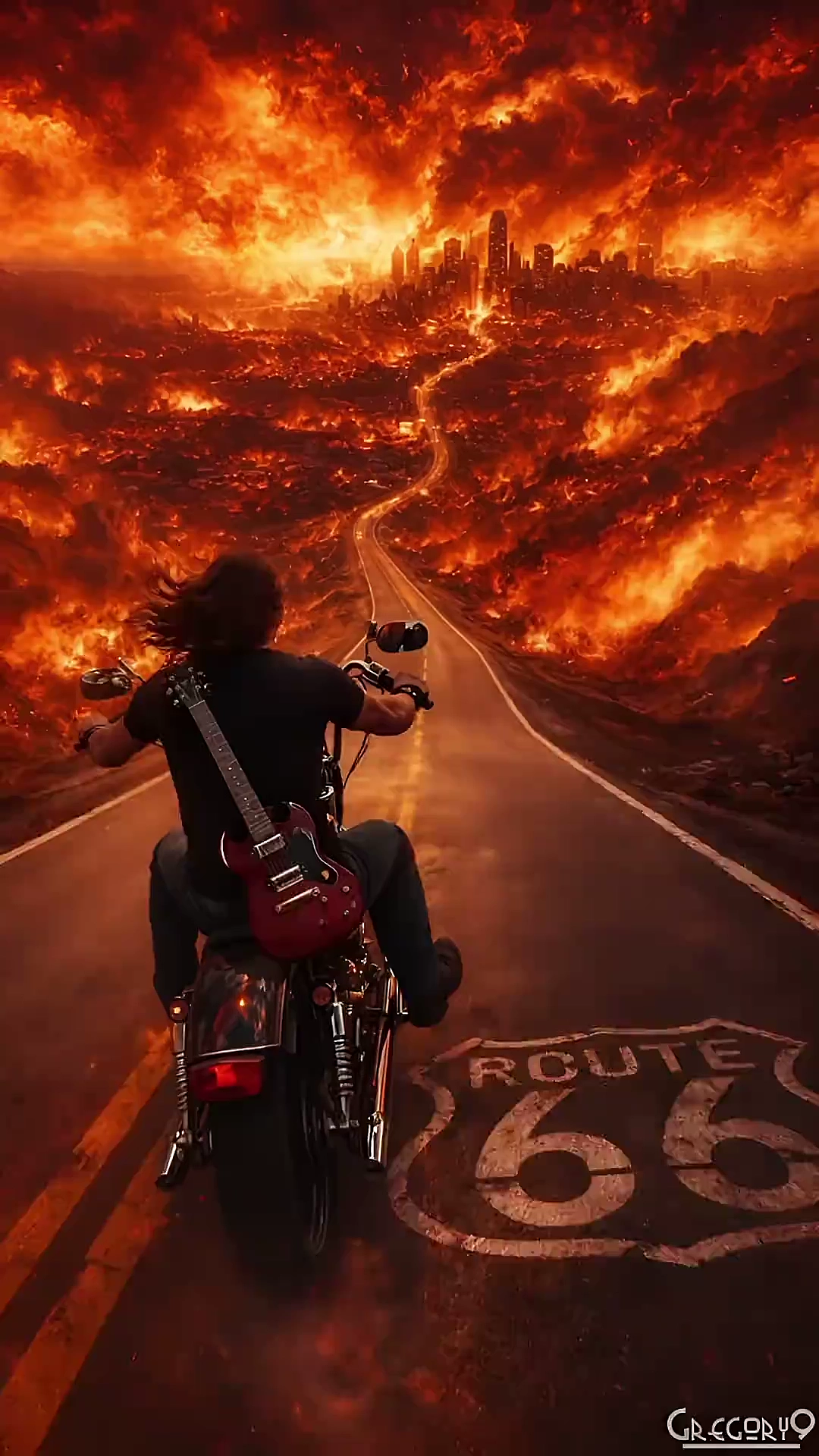
Direct camera language, lighting, and mood from the prompt.
Model: Kandinsky 5.0
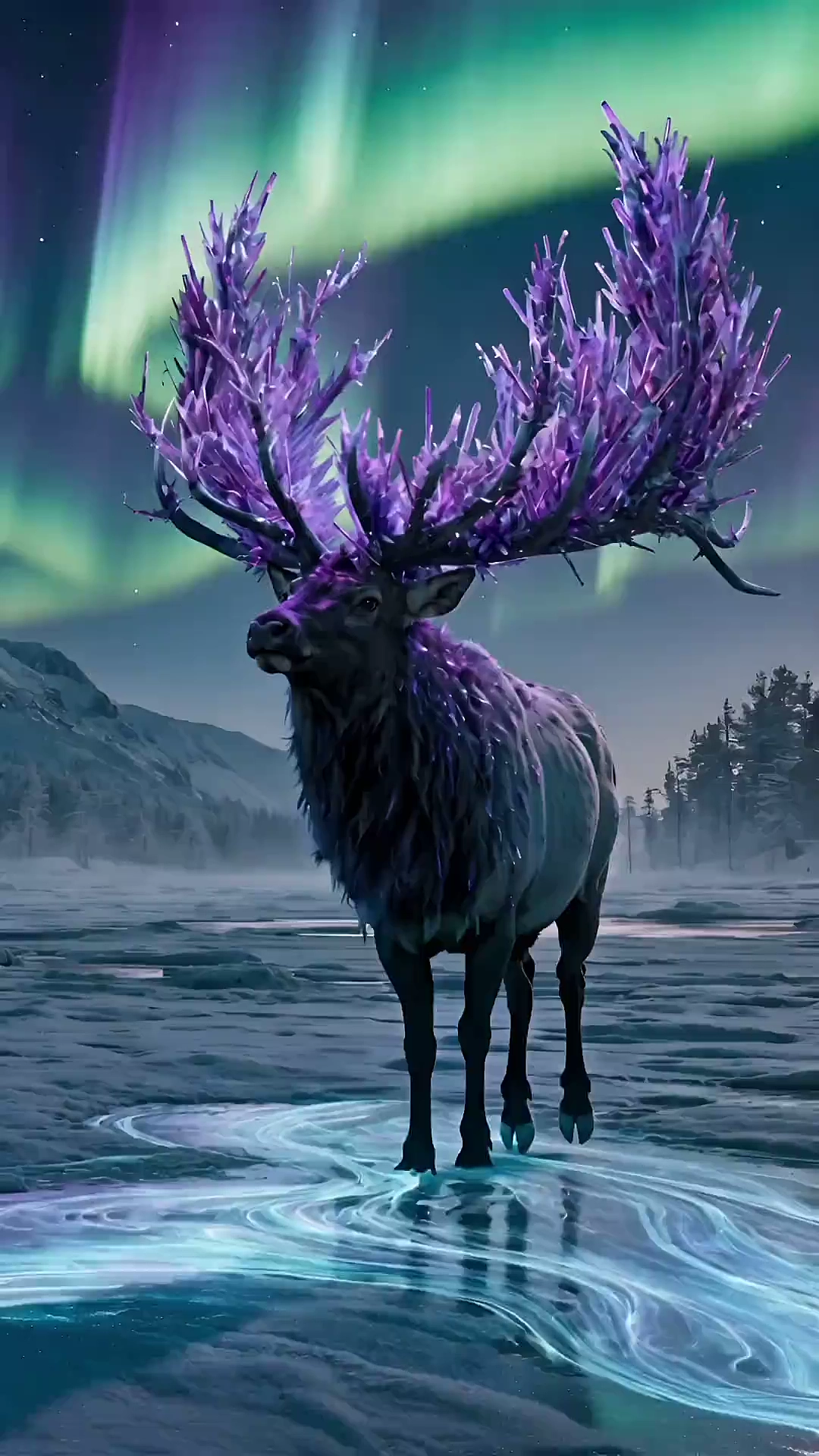
Direct camera language, lighting, and mood from the prompt.
Model: Kandinsky 5.0
Image to video AI examples show how static images can be transformed into animated videos using AI motion generation. These examples demonstrate character animation, cinematic motion, product animation, and AI-generated scenes created from a single image.
These AI video examples are generated with Kandinsky 5.0 Video Pro. The system follows the prompt, applies motion, and keeps identity and camera language stable.
Yes. You can upload your own image, add motion instructions, and generate videos similar to these examples. Image to video AI works with characters, anime, products, and real photos.
You can create character animation examples, talking avatar videos, cinematic motion scenes, product animation, and AI-generated storytelling videos using image to video AI technology.
Yes. These examples are generated with Kandinsky 5.0 Video Pro, which supports text to video and image to video with motion stability and cinematic camera control.
Yes. Image to video AI maintains character identity, clothing, and facial features across frames while generating motion. This allows consistent animation from a single reference image.
You can upload JPG or PNG images and export generated AI videos in MP4 format. The output videos are ready for social media, marketing, or content creation.
Yes. New users can generate image to video AI examples using free credits. Additional credits are available for longer videos and higher resolution output.
Yes. Videos generated with image to video AI can be used for marketing, advertising, social media, and commercial content creation.
These examples focus on visual fidelity, motion stability, and precise semantic control—so prompts and reference stills stay aligned across frames.